
Productivity / local-first software
Tempo Planner
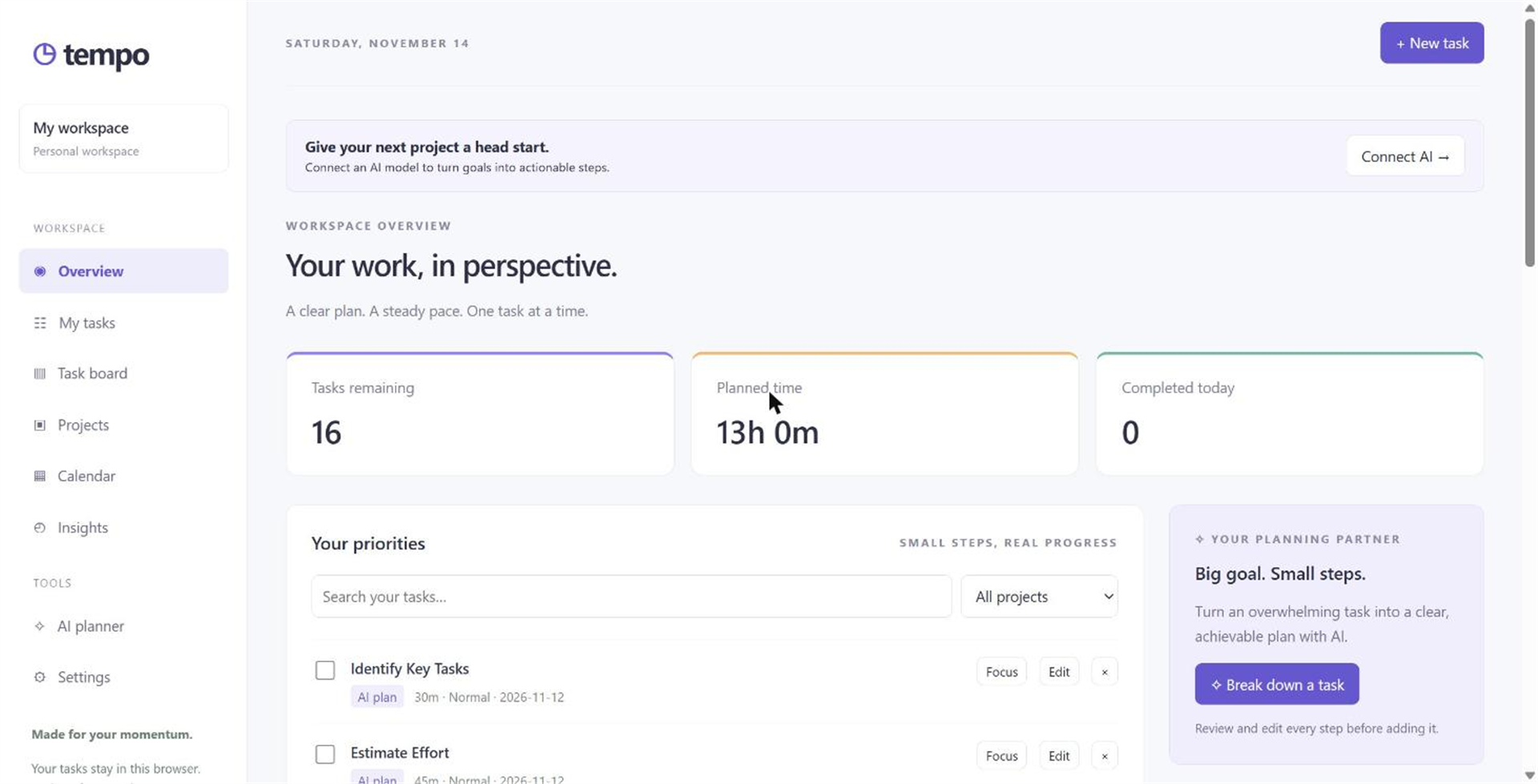
A private task planner for Windows. Projects, a task list and status board, a weekly calendar and focus sessions, all stored on your own PC with no account and no cloud.
What it is for
Tempo Planner keeps your tasks, projects and plans on your own computer. Open it from the Start menu or the tray icon and it appears in your default browser, served only from your PC (loopback address, never exposed to the network). It is free on the Microsoft Store, with no ads and no sync service.
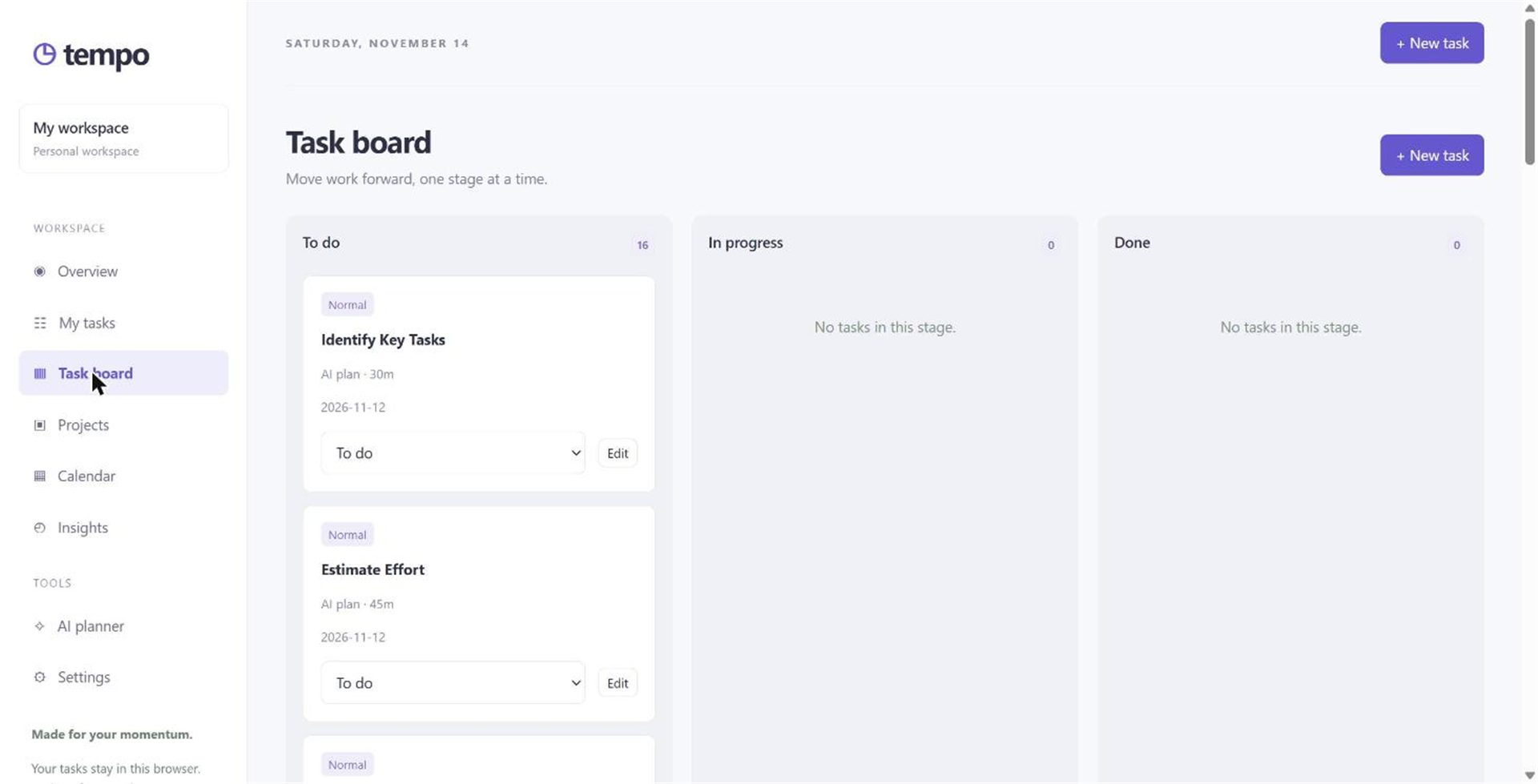
- Projects, list and board
- Organise work into projects and switch between a task list and a status board.
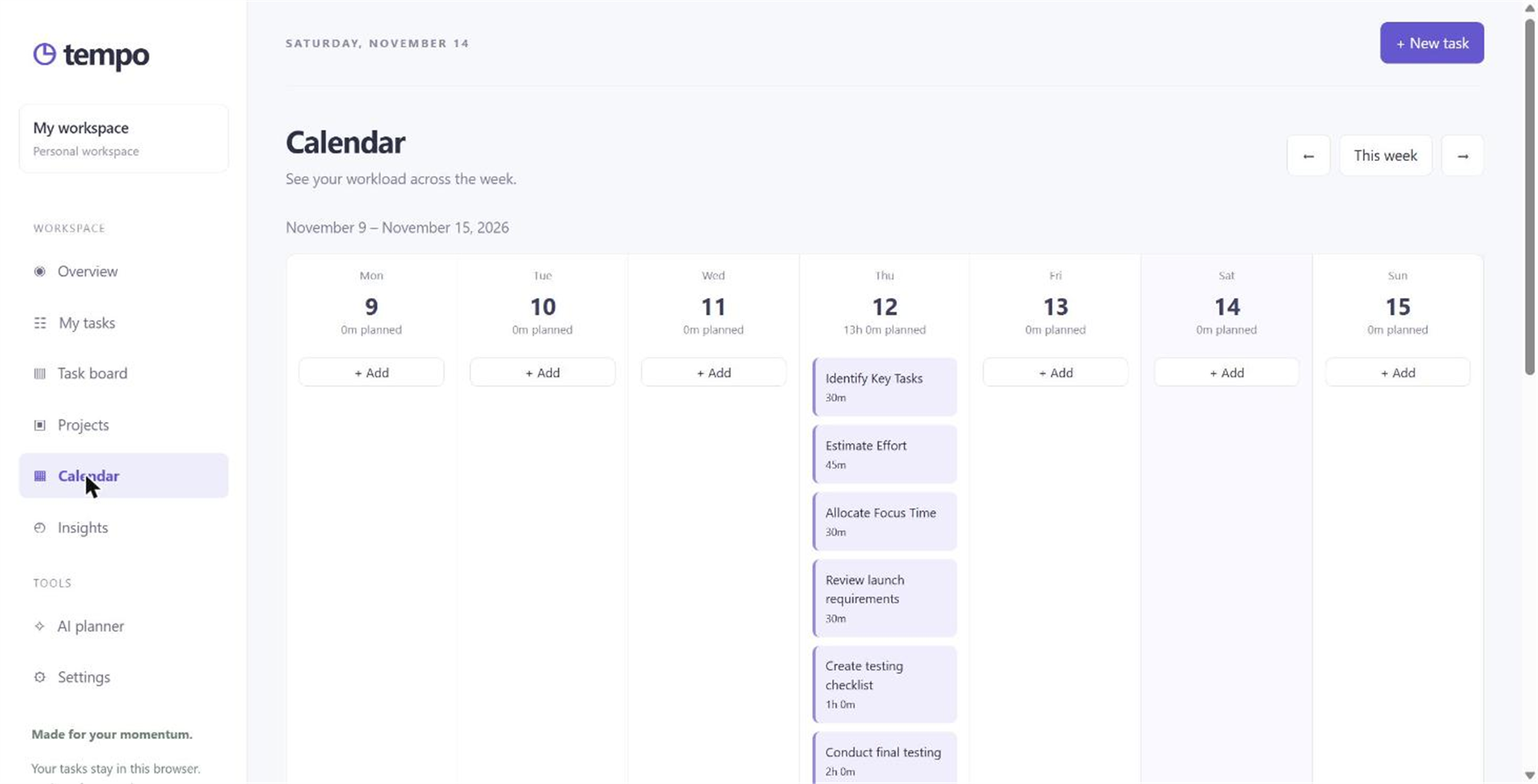
- Weekly calendar and focus sessions
- Plan the week, run a focus session and review completion insights.
- Your data stays yours
- Tasks live in your browser on this PC. Back up or move them with JSON export and import.
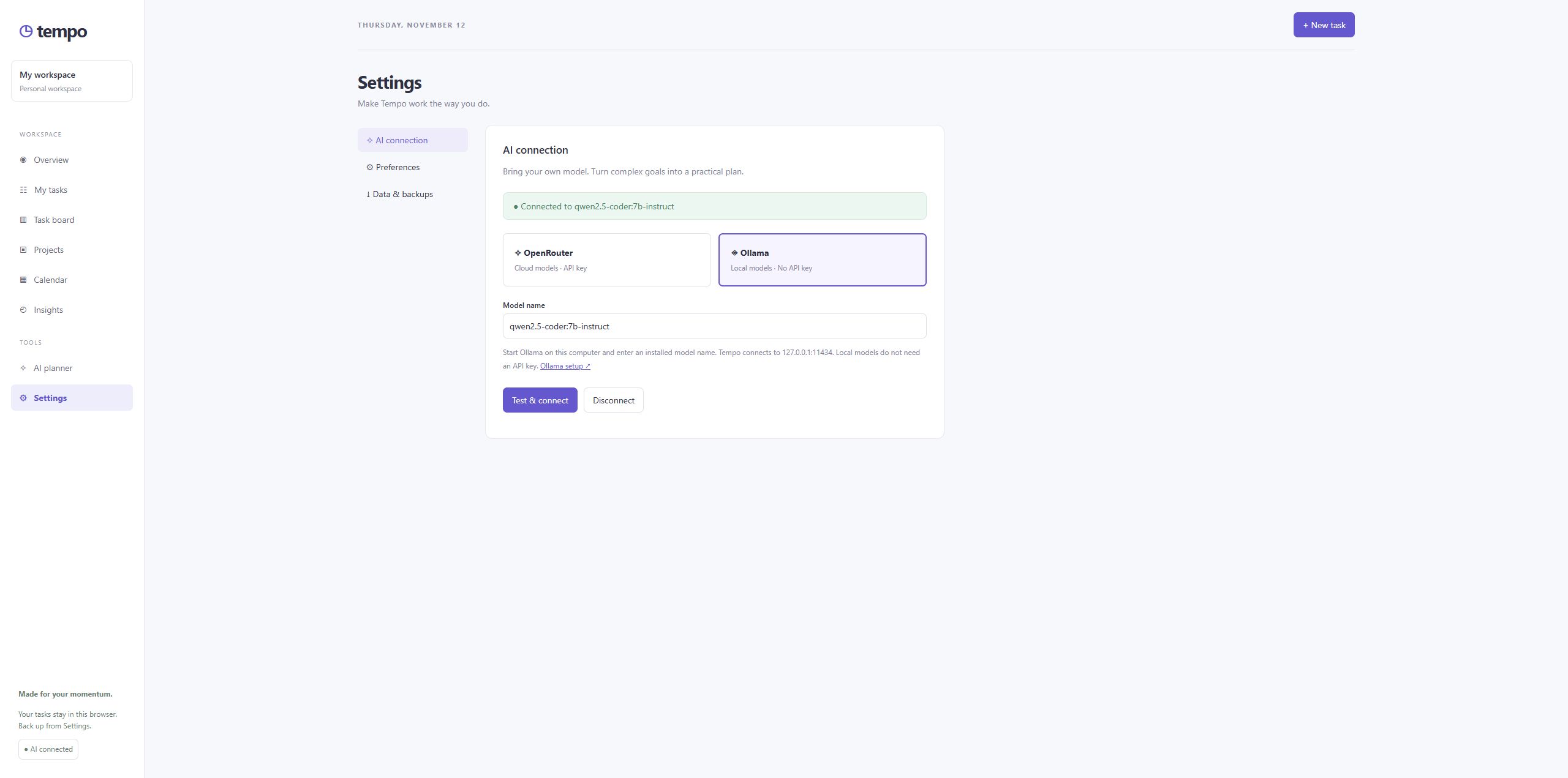
- Optional AI plan helper
- Draft task steps from a goal using your own local Ollama or your own OpenRouter key. Without it, Tempo works fully offline. Keys are kept in memory for the running session only.
Screenshots
Questions
Is it free?
Yes. It is free on the Microsoft Store with no ads and no account.
Does it send my tasks anywhere?
No. Tasks are stored on your PC. Only if you choose to connect an AI provider is the plan text you ask it to improve sent to that provider, under its own terms.
What does it need?
Windows 10 or 11 (x64) and a web browser. The Store keeps it up to date.