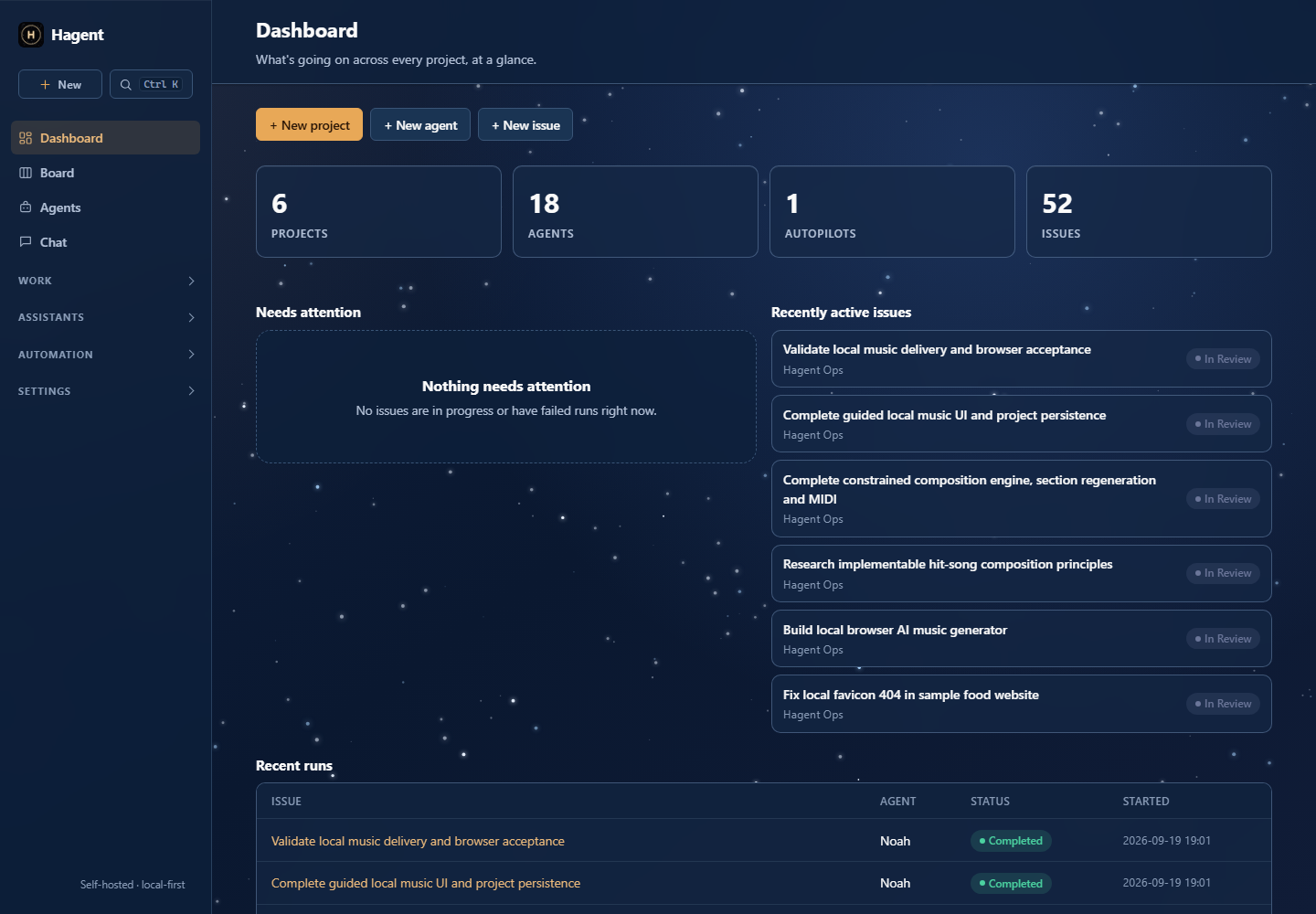
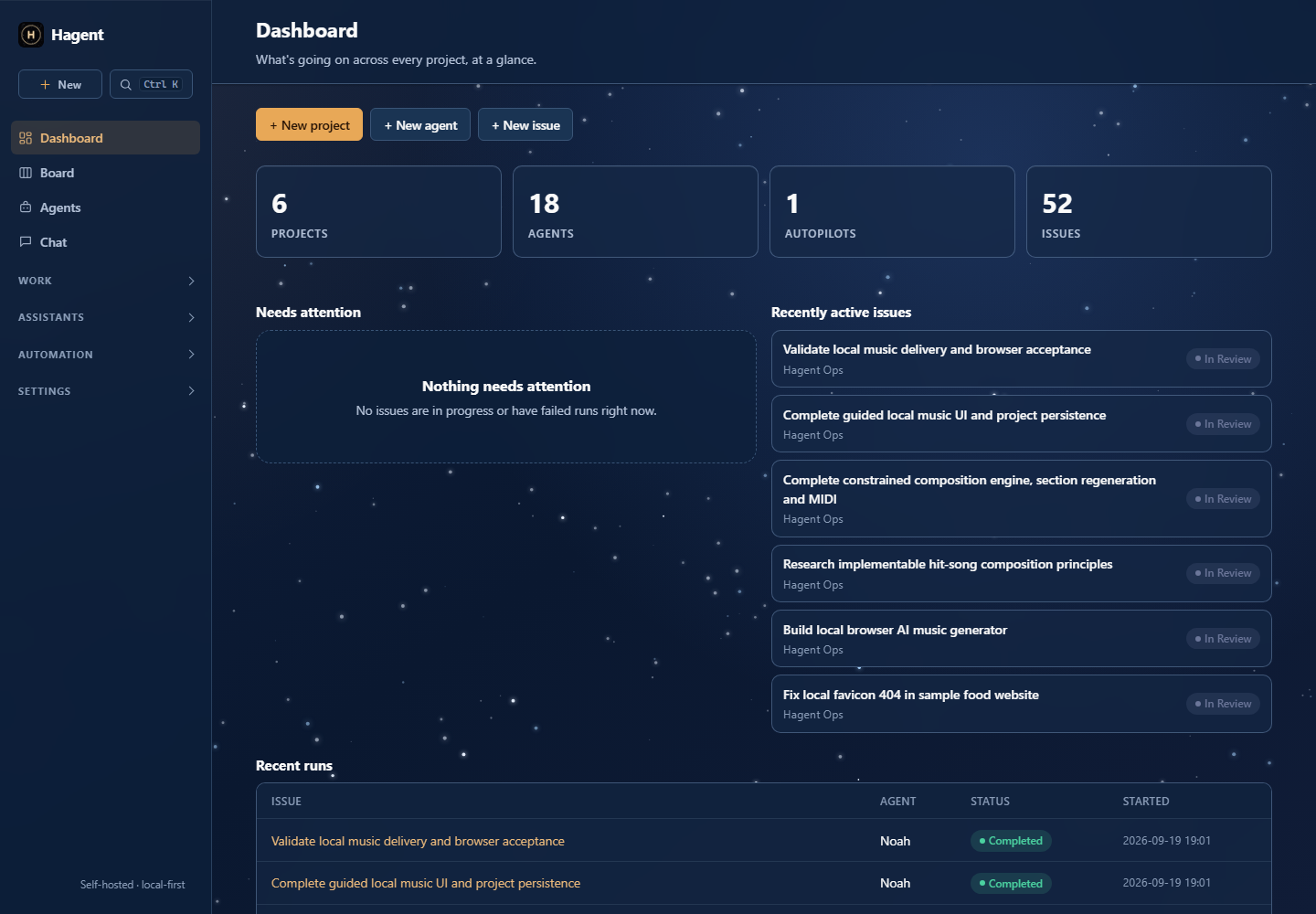
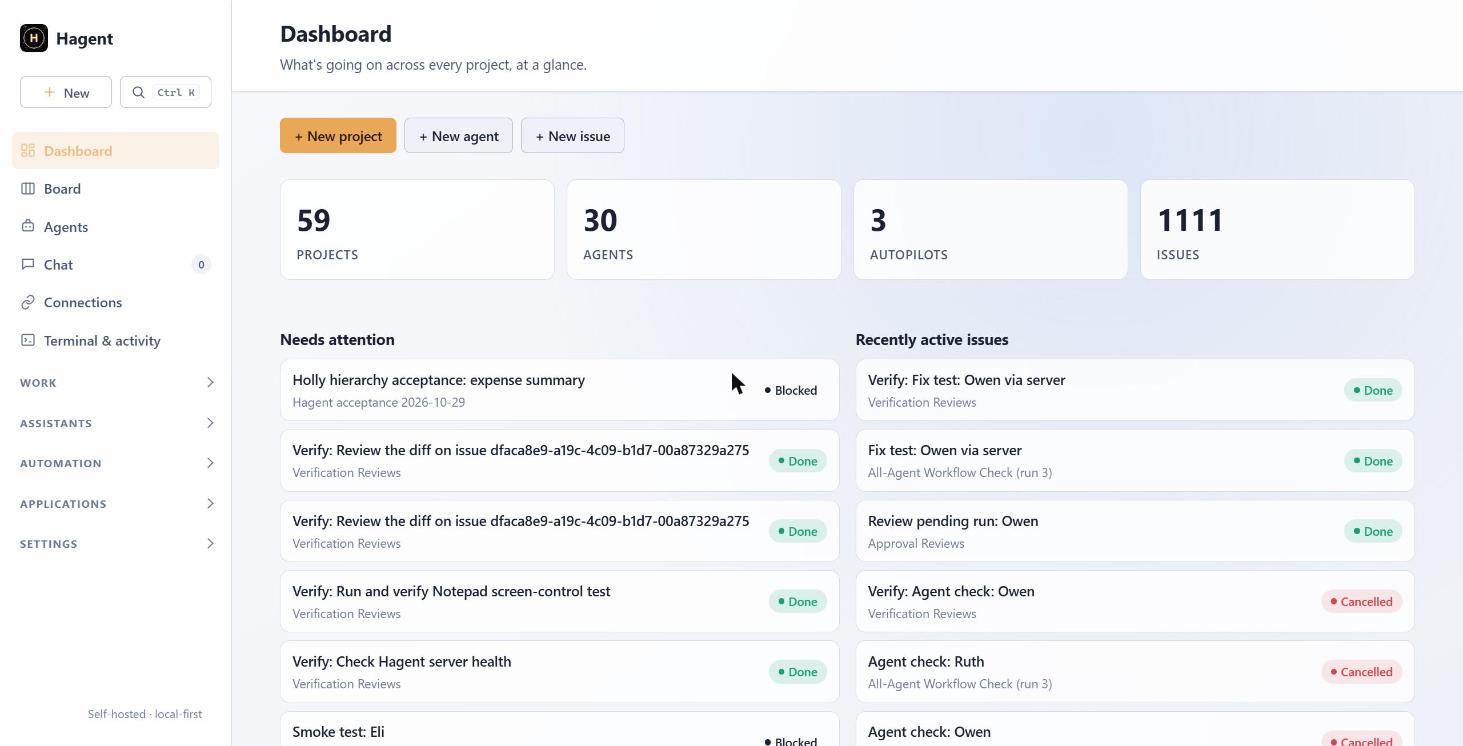
A self-hosted control plane for projects, issues, AI agents, squads, skills, and scheduled autopilots, available through a CLI and a web dashboard.
Autonomous work becomes hard to trust when tasks, prompts, provider choices, approvals, and failures are spread across tools. Hagent keeps the work visible as issues and records how every agent run was started, routed, delegated, and completed.
Coordinate specialist agents
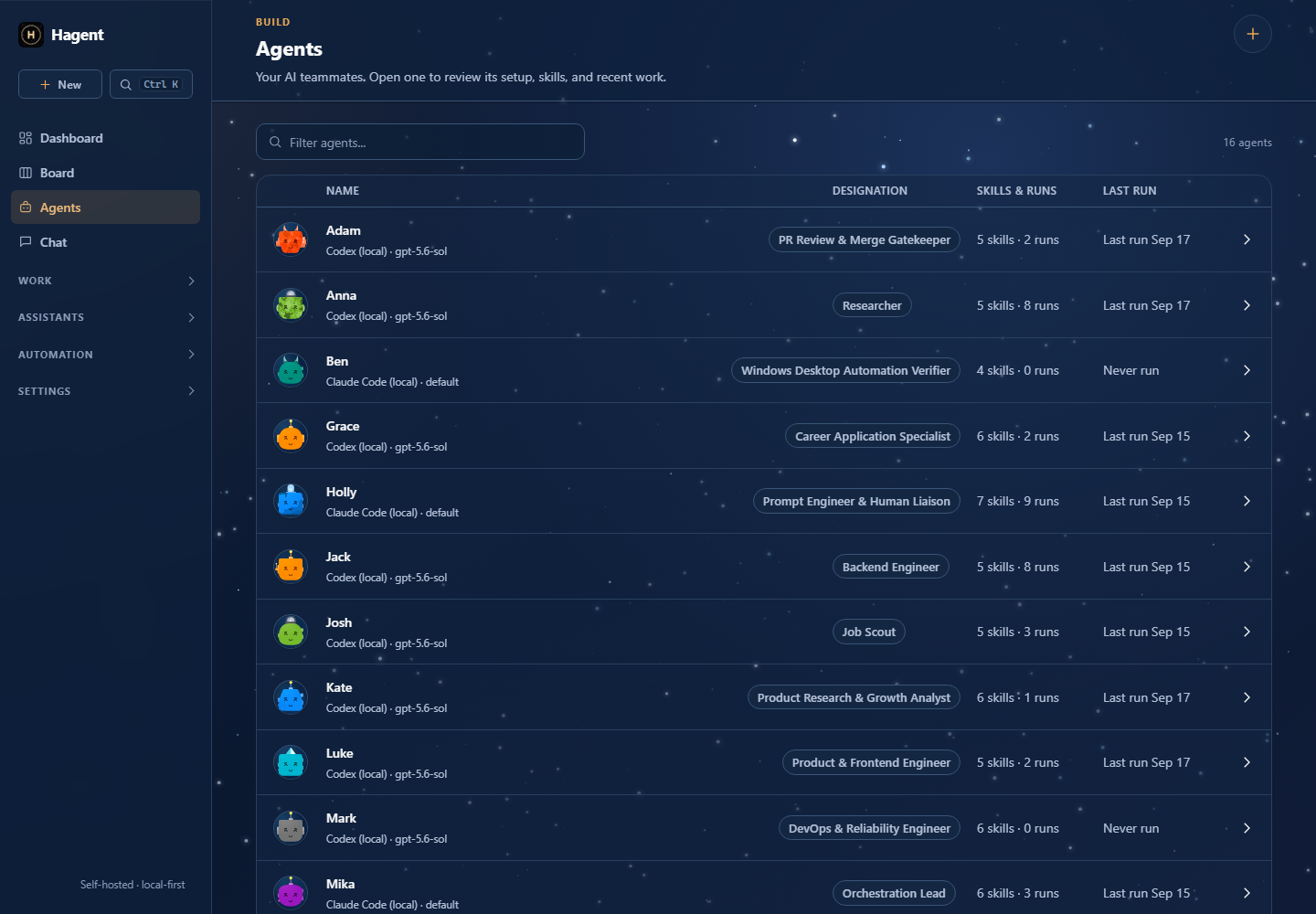
Assign bounded work to agents and inspect their run history and verification.
Schedule recurring operations
Use autopilots to create or assign work while keeping approval and review visible.
Connect your own tools
Give selected agents read-only Gmail, Drive, direct API, or MCP access.
Try this project
This is the professional showcase. Visit my playground on myhai.org to try the live app, find downloads, or explore the project.
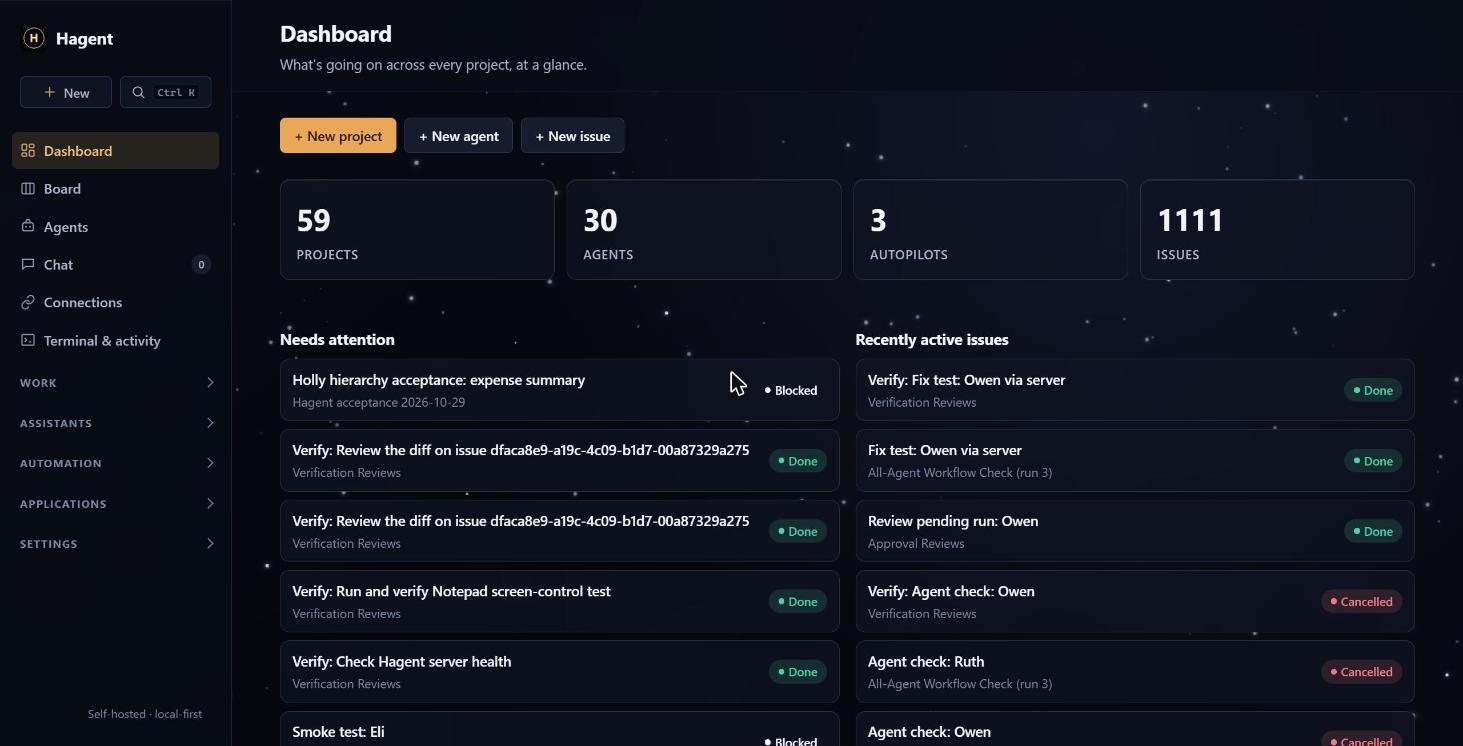
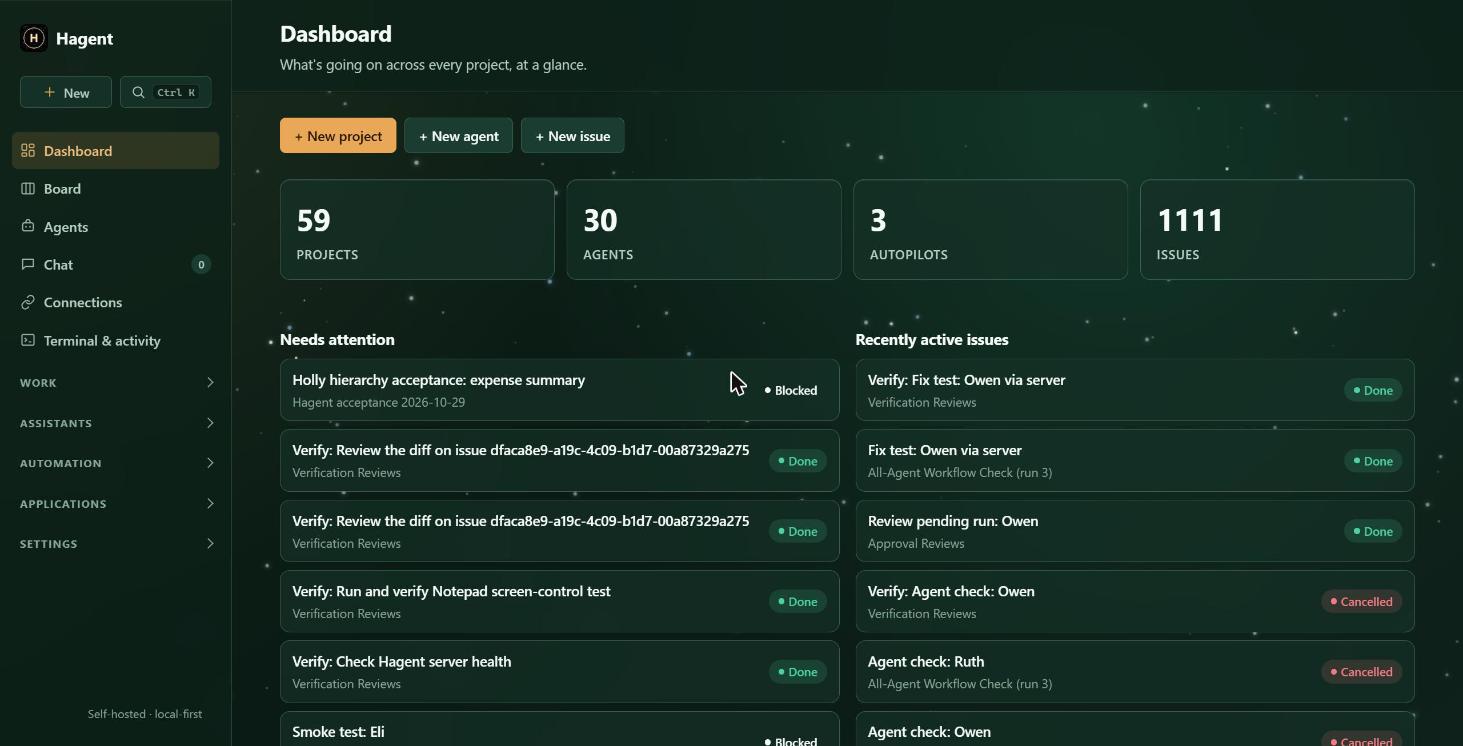
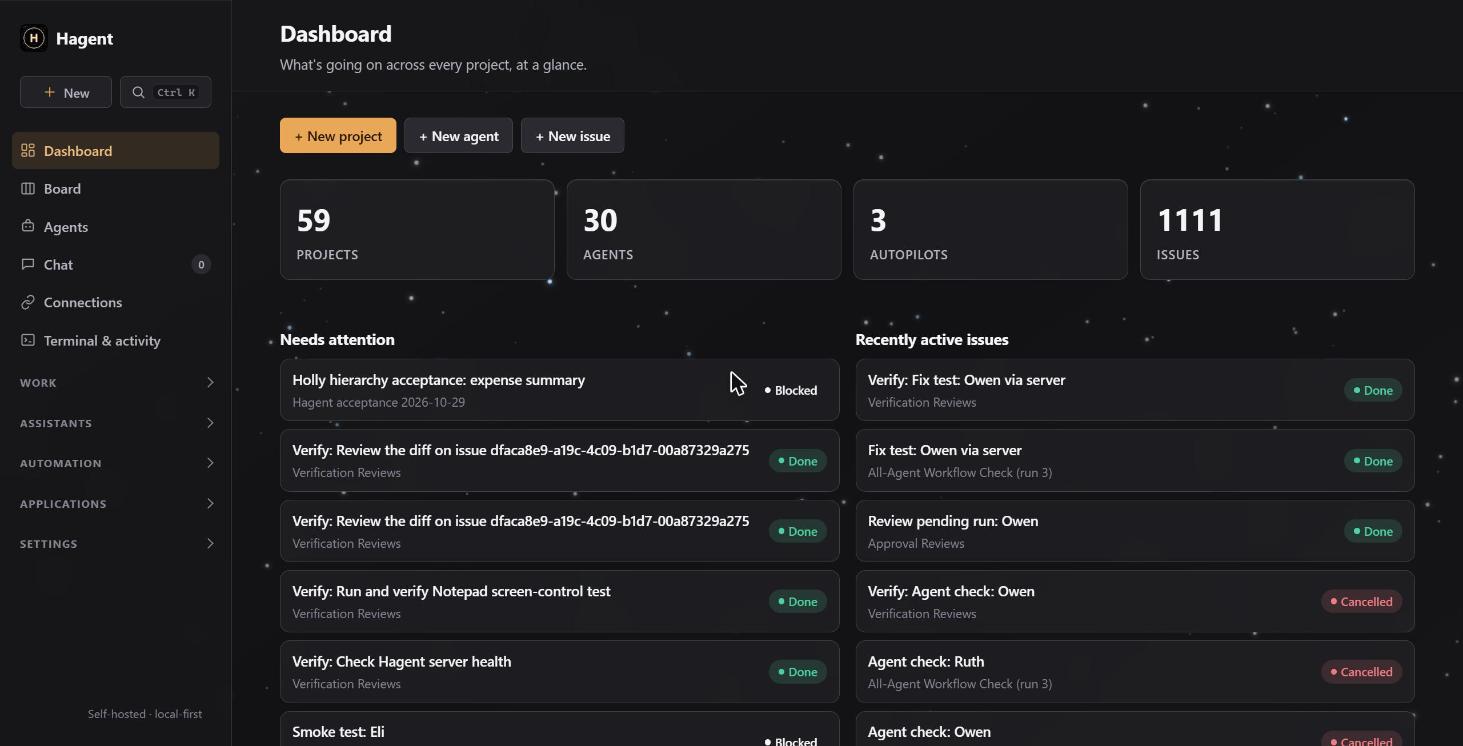
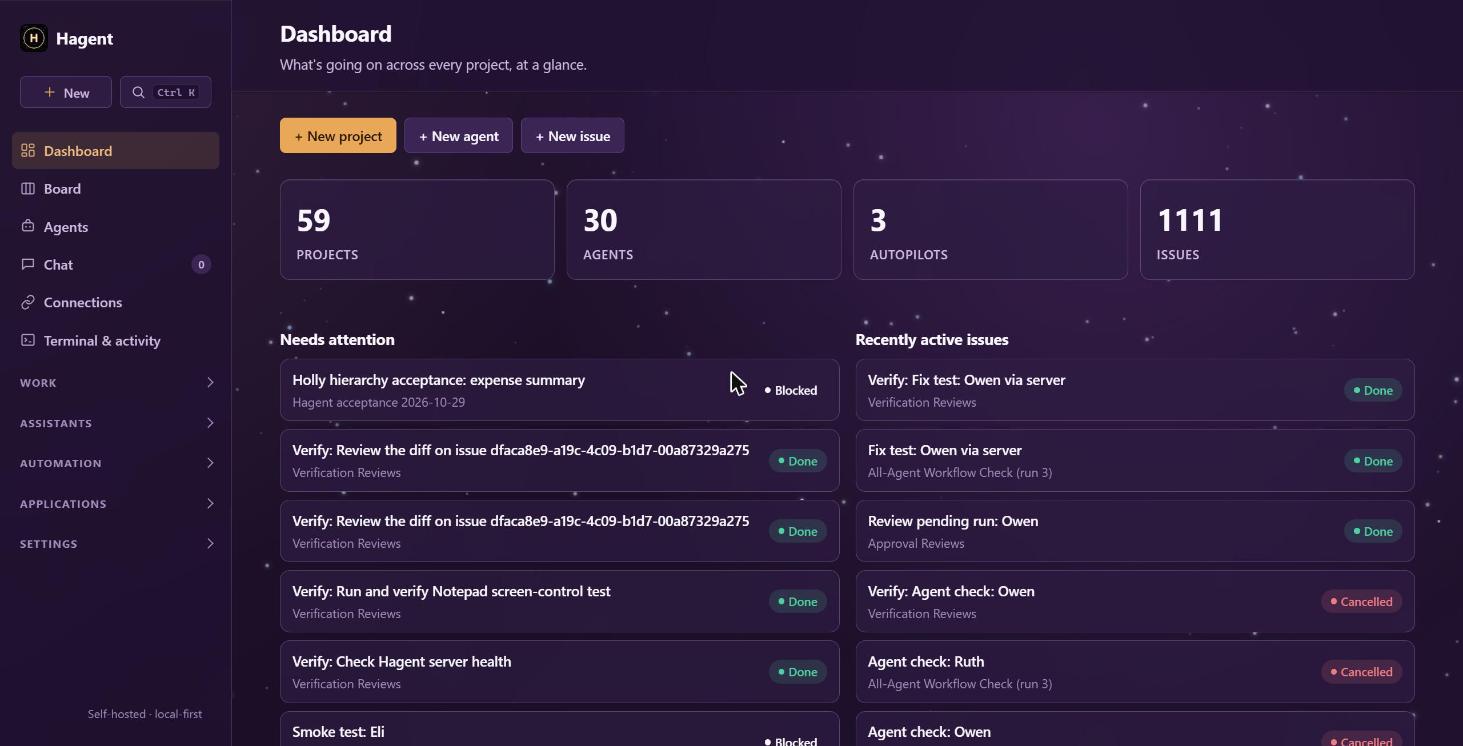
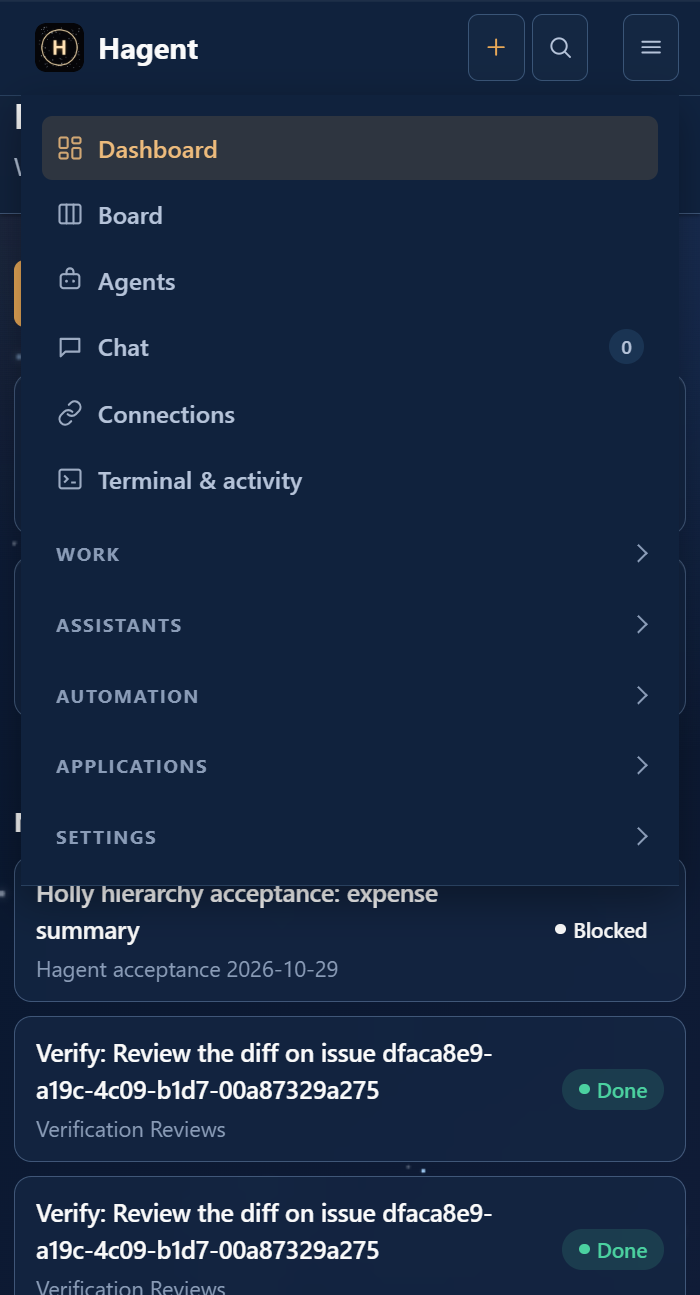
Six selectable dashboard themes (Evening Blue, Midnight, Forest, Graphite, Plum and Light) with a live preview in Settings, and a responsive layout that turns the sidebar into a compact top bar with a menu on narrow windows.
Connections
Read-only Gmail and Google Drive, direct JSON APIs, and local or remote MCP servers, each assigned to individual agents (added in 0.2.3).
Issue-driven work
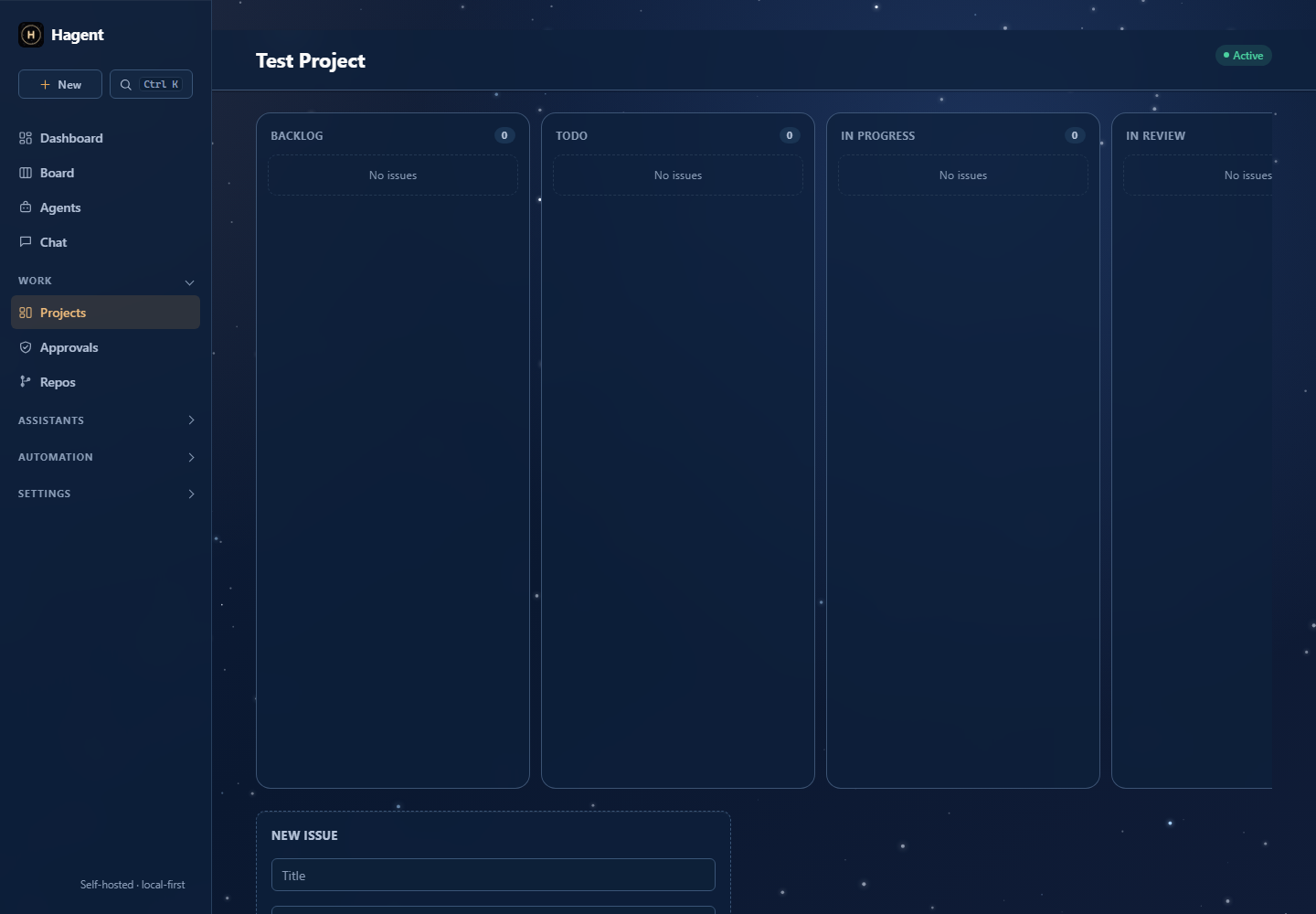
Kanban projects support priorities, labels, sub-issues, comments, due dates, run history, and per-workspace issue keys.
Pluggable runtimes
Cloud APIs, OpenAI-compatible services, local Ollama or LM Studio, and installed AI CLIs share one adapter boundary.
Squad delegation
Supervisors can call specialist agents as bounded tools while preserving the delegation trail.
Autopilots
Cron or webhook triggers can assign matching issues or create recurring work automatically.
Recovery and approvals
Interrupted runs continue with existing work; optional approval pauses a run before it starts.
Assign the issue directly or let an autopilot select it.
Review the timeline, agent output, tool calls, delegations, and any approval request.
Architecture
FastAPI serves the dashboard and API, SQLAlchemy stores local state in SQLite, APScheduler handles autopilots, and a runtime adapter exposes a consistent run interface. The CLI mirrors the same project and issue model, so web and terminal workflows operate on the same records.
Privacy and limitations
Terminal access is optional and disabled by default. When enabled, it uses the operating-system permissions of the Hagent process; a configured working directory is not a security sandbox. Remote access should use accounts plus HTTPS or a private network, and untrusted autonomous work belongs in an OS account, container, virtual machine, or isolated worker.
Status
Open-source, self-hosted agent orchestration. Consult the linked release and CI history for version-specific validation; historical test totals are not current guarantees.
Hagent 0.2.4 adds selectable themes and a responsive layout, so the app looks right in narrow windows.
### What's new
- **Themes:** choose Evening Blue (default), Midnight, Forest, Graphite, Plum or Light in Settings > General. A theme previews as you pick it and is kept when you click Save settings. Leaving the page without saving undoes the preview.
- **Responsive layout:** on narrow windows the sidebar becomes a compact top bar with a menu button that opens the navigation as a dropdown. The sidebar width and page padding scale with the window, and the dashboard columns, stat cards and chat thread list reflow.
### Fixes
- A saved theme applies immediately instead of after a manual refresh.
- Long paths, ids and hashes wrap instead of widening the page, and wide tables scroll inside their own box.
- Form fields fill their column.
- Panels that used undefined color variables (Connections cards, autopilot flow badges) now follow the active theme.
### Notes
Install the wheel (`pip install hagent-0.2.4-py3-none-any.whl`) or the source package; no installer or portable build is attached to this release. The wheel was built from the tagged source and imported successfully in a clean folder. The embedded terminal stays dark in every theme, including Light. Checked by hand in a browser at widths from 360 to 1280 pixels; the automated test suite was not re-run for this release.
See [the changelog](https://github.com/sudheer-050/hagent/blob/v0.2.4/CHANGELOG.md).
Hagent 0.2.3 adds direct Gmail and Google Drive connectors, a unified Connections page, and simpler read-only API setup. Google accounts, APIs, and MCP tools can be assigned to individual agents.
### What's new
- Gmail search/read and Drive search/read, including Google Docs text export.
- Google sign-in after one-time installation setup, encrypted credentials, automatic token refresh, and single-use OAuth state with PKCE.
- API setup with name, endpoint, and key; custom authentication under Advanced.
- Account status and per-agent access management, plus connection tests.
- MCP local commands, remote HTTP/SSE connections, and protected credentials.
- Restart helper that checks for running tasks first.
### Fixes
- Preserve Hagent login when Google redirects back.
- Avoid repeated review/completed tasks in default autopilot matching.
- Keep internal maintenance projects off the main board.
- Improve reassignment, issue discussion context, parent/child verification, and failure reporting.
### Setup notes
Google sign-in requires registering an OAuth app once per installation and enabling Gmail and Drive APIs. Google connectors are read-only. Direct APIs support fixed JSON GET endpoints. Access to connected accounts is explicitly assigned to agents; personal account tokens and local data are not part of this release.
See [connection setup](https://github.com/sudheer-050/hagent/blob/v0.2.3/docs/CONNECTIONS.md) and [the changelog](https://github.com/sudheer-050/hagent/blob/v0.2.3/CHANGELOG.md).
Validation: 358 tests passed, 1 native stdio MCP test skipped because of Windows sandbox pipe restrictions. Wheel and source distribution built successfully.